
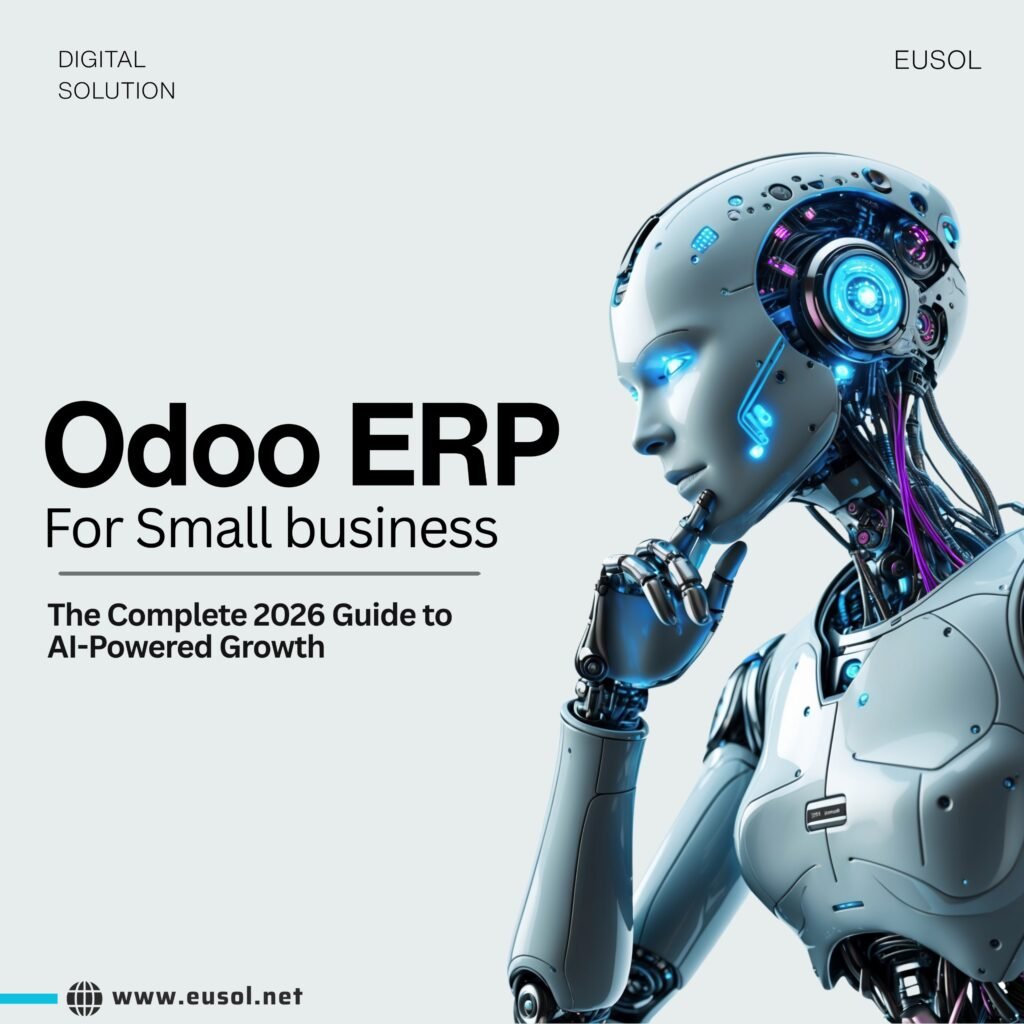


Odoo ERP for small business is no longer a luxury reserved for large enterprises. In 2026, it has become the go-to platform for growing companies that want to manage their entire operation — sales, accounting, inventory, HR, and more — from a single, intelligent system. With AI automation now baked directly into the platform and a subscription model that starts at a fraction of traditional ERP costs, Odoo has changed what is possible for small and mid-sized businesses around the world.
Whether you are a retail shop in Karachi, a manufacturing unit in the UAE, or a services company in Saudi Arabia, this guide will walk you through everything you need to know about implementing Odoo in 2026 — from the latest AI features to practical deployment tips and real cost comparisons.
“Odoo is no longer just an ERP — it is an intelligent business operating system.”
Why Odoo ERP for Small Business Is Trending in 2026
The conversation around business software has shifted dramatically. Companies that once relied on spreadsheets, disconnected accounting tools, and standalone CRMs are now moving toward unified platforms — and Odoo is leading that transition.
A few key forces are driving this trend:
- Rising demand for cloud-first operations — remote teams need systems that work from anywhere
- AI integration becoming a practical business requirement, not just a buzzword
- The high cost of legacy ERPs like SAP and Oracle pushing SMEs toward more affordable alternatives
- Odoo’s modular pricing model, which lets businesses pay only for the apps they actually use
Odoo now powers businesses in more than 175 countries. Its open-source foundation means it has one of the largest ERP communities in the world, with over 40,000 community modules built for specific industries, regions, and workflows. For small businesses, this means you almost never need to build from scratch.
In 2026, the cost argument is also more compelling than ever. A 10-person small business using Odoo Enterprise pays roughly $870 per year. The equivalent setup on SAP or Microsoft Dynamics would cost between $12,000 and $18,000 annually — before implementation fees. That difference alone is enough to change a company’s trajectory.
AI-Powered Automation: The Biggest Odoo ERP Upgrade of 2026
If there is one thing that defines Odoo ERP in 2026, it is AI. The platform has moved from offering basic automation to delivering genuinely intelligent workflows across every department.
Here is what AI inside Odoo actually looks like in practice:
Sales & CRM
Odoo’s AI-powered CRM can now suggest the next best action for each lead based on historical data. Sales reps no longer have to guess — the system analyzes win rates, interaction history, and deal value to recommend when to follow up and how. When a quote is signed, the system automatically creates a sales order, generates an invoice, and dispatches a confirmation email without any manual input.
Inventory & Procurement
AI-driven demand forecasting in Odoo analyzes past sales, seasonal patterns, and supplier lead times to predict stock needs before problems arise. When stock drops below threshold, a purchase order is automatically generated. The system selects the optimal vendor based on price and lead time, then routes the PO for approval — a process that used to take hours now takes seconds.
Finance & Accounting
AI in Odoo’s accounting module assists with invoice reading, expense processing, and payment reconciliation. The system reduces manual data entry errors and flags anomalies in real time, giving finance teams more bandwidth for strategic analysis. Natural language processing allows users to simply type ‘show me sales by region this quarter’ and get instant visual reports — no need for custom queries or data export.
Odoo CEO Fabien Pinckaers confirmed in 2026 that 2% of all open-source Python code on the internet is Odoo-related — giving AI models an extraordinary foundation to understand and extend the platform.
The Ask AI feature (accessible via Ctrl+K) allows any user to navigate the system, generate summaries, draft emails, and automate server actions using plain-language prompts. This dramatically lowers the learning curve for new users and reduces dependency on technical staff.
Key Odoo Modules Every Small Business Should Start With
One of the most common questions we hear from clients is: ‘Where do we begin?’ Odoo has over 70 core apps, and the choices can feel overwhelming. Here is a practical starting point based on the needs most small businesses share.
- Accounting & Invoicing — Automate billing, reconciliation, and financial reporting from day one
- CRM — Manage leads, pipelines, and customer communication in one place
- Sales — Create and send quotations, manage orders, and track revenue in real time
- Inventory — Get full visibility into stock levels, warehouse movements, and procurement
- HR & Payroll — Handle employee records, leave management, attendance, and payroll runs
- Website & eCommerce — Build a professional site and connect it directly to your inventory and sales
- Project Management — Assign tasks, track progress, and measure team productivity
The key advantage of Odoo’s modular approach is that you are not forced to implement everything at once. Many businesses start with just Accounting and CRM, then expand module by module as operations grow. This phased approach reduces implementation risk and lets your team learn the system gradually.
For manufacturing businesses, adding the Manufacturing and Maintenance modules delivers additional value through production planning, Bill of Materials management, and AI-based equipment failure prediction — preventing downtime before it happens.
Odoo Cloud vs On-Premise: What Should Small Businesses Choose in 2026?
The cloud vs on-premise debate used to be complicated. In 2026, for most small businesses, the answer is straightforward: go cloud.
Odoo.sh, the platform’s official cloud hosting solution, handles server infrastructure, automatic updates, and backups — removing the operational overhead that used to require a dedicated IT team. Access your ERP from any device, anywhere, without VPN tunnels or server maintenance windows.
Here is how the two options compare for small businesses:
| Factor | Odoo Cloud (Odoo.sh) | On-Premise |
| Setup Speed | Hours | Days to weeks |
| IT Maintenance | Handled by Odoo | Your responsibility |
| Updates | Automatic | Manual |
| Remote Access | Built-in | Requires VPN |
| Hardware Cost | None | Server investment |
| Customization | Moderate | Full flexibility |
| Best For | SMEs, startups | Large enterprises with IT teams |
For businesses in the Gulf region — UAE, Saudi Arabia, and Pakistan — cloud deployment also removes the complexity of local server compliance, power redundancy, and hardware procurement cycles. It is simply faster and cheaper to get started.
How to Successfully Implement Odoo ERP: A Practical Roadmap
The biggest reason Odoo implementations fail is not the software — it is the approach. Jumping straight into configuration without mapping your actual workflows is the single most common mistake. Here is a roadmap that actually works:
- Map your current workflows first. Document how orders flow, how invoices are created, and how inventory is managed before touching Odoo.
- Clean your data. Remove duplicate customer records, fix SKU inconsistencies, and align your chart of accounts before migration.
- Start with a pilot module. Launch Accounting or CRM first, get the team comfortable, then expand.
- Train users in phases. Role-based training is more effective than blanket sessions for the whole company.
- Work with a certified Odoo partner. A good partner brings industry-specific templates, local compliance knowledge, and post-go-live support.
Implementation timelines vary by complexity. A small business deploying three or four core modules can typically be live within four to six weeks. Larger rollouts with custom integrations may take three to six months. Either way, the phased approach dramatically reduces disruption to daily operations.
One area where businesses consistently underinvest is change management. Getting employee buy-in before go-live — explaining the why, addressing concerns, and celebrating early wins — is what separates a smooth rollout from a failed one.
Final Thoughts
Odoo ERP for small business in 2026 is more capable, more affordable, and more intelligent than it has ever been. The combination of AI-powered automation, a genuinely modular pricing model, and a thriving open-source community makes it the most compelling ERP option for growing businesses — particularly in emerging markets where cost efficiency and flexibility are non-negotiable.
Whether you are evaluating Odoo for the first time or planning an upgrade from an older version, the right time to move is now. AI features are maturing fast, Odoo 20 is expected later this year, and businesses that adopt early will have a significant head start on their competitors.
The question is not whether your business should be on Odoo. It is whether you have the right partner to help you get there.
| Ready to Transform Your Business with Odoo? EUSOL helps businesses across the Gulf and beyond implement, customize, and scale Odoo ERP — from initial setup to advanced AI automation. Whether you’re migrating from a legacy system or starting fresh, our certified Odoo experts deliver results. 👉 Get a Free Odoo Consultation at eusol.net |